Written by : Chris Lyle
Nov 25, 2025

Estimated reading time: 15 minutes
Key Takeaways
The Claude API key is a unique authentication token granting access to Anthropic's language models.
Obtaining a Claude API key requires creating an Anthropic account, setting up billing, and generating the key securely.
Security measures such as never sharing the key publicly, storing it securely, and using environment variables are critical to protect your usage and billing.
Managing API keys includes monitoring their status (active, inactive, archived) and auditing for security.
Claude API supports diverse applications, including chatbots, content generation, research assistants, and game NPCs.
Properly including the API key and headers in requests enables effective communication with these advanced AI models.
Table of Contents
The Claude API Key: Your Golden Ticket to Anthropic’s Cutting-Edge AI
What Is a Claude API Key?
How to Get a Claude API Key: Step-by-Step
Claude API Key Security: Guard Your Secret Like a Password!
Managing and Monitoring Your API Keys
Using Your Claude API Key: Making Requests Like a Pro
Real-World Project Inspiration: Unleash Claude’s Potential
The Claude API Key and the Future: Your Path to AI Exploration
FAQ
The Claude API Key: Your Golden Ticket to Anthropic’s Cutting-Edge AI
If you’re even a little curious about the ever-evolving world of artificial intelligence, you’ve likely heard whispers (or shouts!) about Anthropic’s Claude models. But have you ever wondered just how developers unlock and interact with this powerful AI technology? The answer is thrillingly simple and rests in a single, powerful concept: the Claude API key. Learn more here
Today, we’ll take you on an exciting journey deep into the heart of the Claude API key – what it is, how to get one, why security is vital, and what thrilling things you can build once you’re equipped with your own key. Ready to uncover the secrets and open doors to advanced language AI? Let’s go!
What Is a Claude API Key?
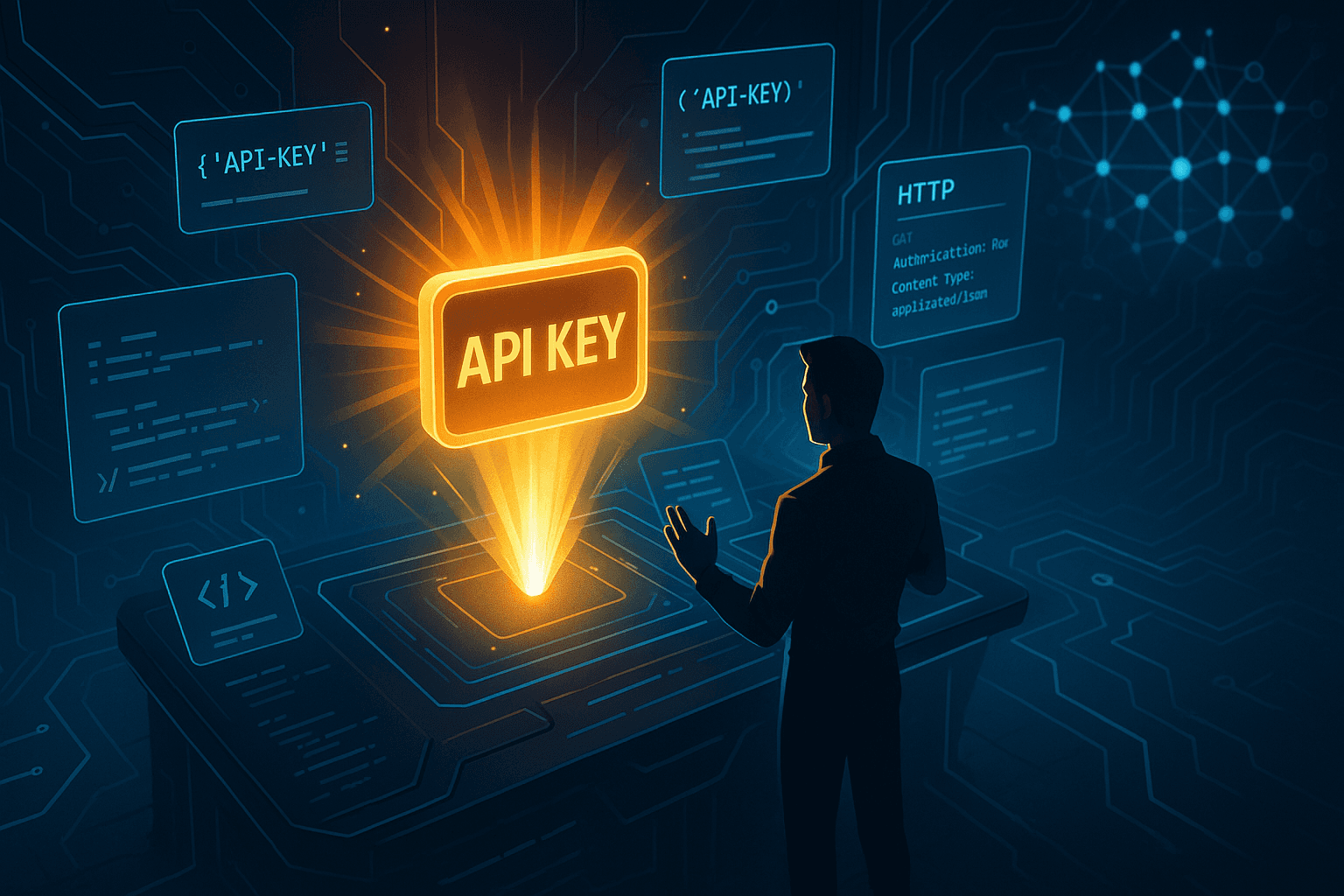
A Claude API key is much more than just a secret passcode – it’s your unique authentication credential that grants access to Anthropic's powerful language models (like Claude 3.5, Claude 4, and more) via simple HTTP requests. Imagine it as your personal golden ticket to explore, experiment, and even innovate with next-level artificial intelligence.
As explained in detail on LateNode and aifreeapi.com, the Claude API key serves as both:
Your identifier: It tells Anthropic’s servers that it’s YOU (or your application) making a request.
Your access gatekeeper: It ties directly to your billing account, determining how much you can use and which features you can tap into.
A typical Claude API key starts with "sk-ant-api03-" and is followed by a unique combination of characters and numbers, making each key one-of-a-kind. The structure and secrecy aren’t just for show – unlike a simple password, this credential directly controls your usage, billing, and access to the full array of AI tools (aifreeapi.com).
How does it work? It’s all about connecting your ideas to powerful models over the internet. When you provide your Claude key in an HTTP request header, you unlock an endpoint where you can send input ("prompt") data and configuration options in JSON format, and receive AI-generated output right back to your application – ready to display, analyze, or push even further. Learn more here
Recap: Why is an API Key so Important?
Security: It identifies and authorizes who you are.
Access: It links directly to your account’s paid (or trial) features.
Functionality: It’s how you actually “talk” to Claude’s brains!
How to Get a Claude API Key: Step-by-Step
The process might sound technical, but don’t worry! Getting a Claude API key is a straightforward journey – almost like a wizard’s quest for a mighty wand. Let’s walk through each step, complete with details so you won’t stumble.
Step 1: Create an Anthropic Account
Like entering any magical realm, you need the right credentials at the gate. Start by heading to the Anthropic Console and creating a free account. All you’ll need are some basic details and an email address.
More details: Pickaxe Guide, Elephas Blog.
Step 2: Set Up Billing
Even magicians have to pay their way! To unlock your API key, you need to set up a payment method (credit card, etc.) and wait a moment while your credits appear in your account balance. This ties your API usage to real billing and prevents abuse (LateNode).
Pro Tip: Check if you’re eligible for free trial credits—many platforms offer these to get you started experimenting risk-free!
Step 3: Navigate to API Keys
Once inside, direct your attention to the dashboard’s left-side menu. Click on the "API keys" tab (LateNode), usually listed with other developer tools and workspace options.
Step 4: Create a New Key
See that "Create Key" button? Click it! This is where you generate your very own API key, connecting your account to Anthropic’s cloud-based intelligence. Learn more here
Step 5: Name Your Key
Give your key a descriptive label. Whether you plan to use it for "Development Testing," "Production Chatbot," or a special school project, a good name keeps things organized, especially if you manage multiple keys. Likewise, you’ll have options to select the appropriate environment—from test servers to full production! (LateNode, heyhelp.ai)
Step 6: Copy and Secure
Here’s where you must pay close attention: After hitting "Create," your bright new key will flash onscreen. Copy it immediately—to your clipboard or, even better, a secure password manager (LateNode, heyhelp.ai).
You CANNOT view or retrieve the key again after closing this window (heyhelp.ai). If you lose it, you’ll have to generate a new one.
And just like that, you’re in—ready to wield the powers of Claude!
Claude API Key Security: Guard Your Secret Like a Password!
With great power comes great responsibility, as they say in the world of superheroes — and it’s doubly true for AI. Your Claude API key unlocks powerful (and potentially expensive!) features, so following best security practices is absolutely critical.
Security guidelines are outlined in expert detail by both LateNode and aifreeapi.com:
1. Never Share Publicly
Don’t: Paste your key in public code repositories (like GitHub), forums, or shared documents.
Don’t: Include your key in “example code” that you post online.
Do: Treat it like your bank PIN!
2. Store Securely
Use a password manager (1Password, LastPass, Bitwarden, etc.) to save your key (LateNode, Elephas blog).
For projects, use secure environment storage like Vault or encrypted files.
3. Revoke Compromised Keys
If you suspect even the slightest leak, immediately generate a new key and revoke the old one from your Claude dashboard (LateNode).
4. Use Environment Variables
Hard-coding your API key (directly inserting it into your code) is dangerous. Instead, set your key as an environment variable called ANTHROPIC_API_KEY. This keeps it out of plain sight and code repositories (obot.ai).
Example: Setting Environment Variables
For macOS/Linux:
For Windows:
Or pass it safely to your client/library during software initialization (obot.ai).
Managing and Monitoring Your API Keys
Once you’ve generated one or multiple API keys, knowing how to check their status and manage them is crucial for good security and workflow organization.
According to platform documentation and official admin API guides:
Each API Key May Be:
Active: Works perfectly. Use it for API requests right away.
Inactive: Exists, but is currently disabled.
Archived: Key is gone for good; you can't recover it or use it anymore.
Keys Also Track Useful Metadata
Every Claude API key automatically records:
The date of creation
Who created it
Which workspace it belongs to (platform.claude.com, docs.claude.com)
This makes it easy for organizations (or even solo developers) to keep track, audit, and rotate keys when building bigger projects.
Pro Tip: Regularly audit your keys—archive the ones you no longer use! Learn more here
Using Your Claude API Key: Making Requests Like a Pro
Now, the fun really begins. With a valid Claude API key, you have access to a treasure chest of AI intelligence. But how do you actually “speak” to Claude?
Authentication: What Goes in a Request?
When you make a call to the Claude API (using frameworks like Python’s requests, Postman, or your own app), you must include your API key in the request headers. Learn more here
Typical required headers include:
x-api-key: Your secret API key.
anthropic-version: Tells the API which version you want to use (for example, "2023-06-01").
content-type: Usually set to "application/json".
Example Request (Pseudocode):
You can handle long prompts and get lengthy, sophisticated completions—all based on the specific Claude model (like Sonnet, Opus, or Haiku) you choose to connect to. Each model comes at a different price point and capability level (LateNode).
Popular Uses for the Claude API
Chatbots & Virtual Assistants: Power natural conversations in apps and customer service platforms.
Text Summarization: Read long documents and produce concise overviews.
Content Generation: Generate stories, articles, email drafts, and more.
Research & Data Analysis: Help process and reason over large blocks of information.
Learning Tools: Develop educational apps that tutor, quiz, or explain concepts interactively.
The uses are vast and limited only by your imagination!
Real-World Project Inspiration: Unleash Claude’s Potential
What are the most exciting ways developers and tech-curious creators are using their Claude API keys? Here are just a few jaw-dropping ideas to inspire your own experiments:
1. Creative Storytelling Apps
With Claude’s fluency at weaving original text, you can build apps that craft bedtime tales, poetry on demand, game world lore, or even fully interactive fiction—with each user request powered by your secret API key.
2. Smart Personal Tutors
Imagine a chatbot who explains 5th-grade math homework, quizzes students on science facts, or conducts Socratic dialogues about history—Claude’s models can power them all, with educational guardrails you specify.
3. Research Super-Assistants
Feed Claude a book-length PDF, ask it for summaries, highlights, or answer questions from the content. Your API key ensures it’s your data, your way.
4. Next-Gen Productivity Tools
Automate meeting note-taking, draft email responses, or summarize Slack threads with the natural language prowess Claude provides through its API.
5. Custom Game NPCs
Game developers can build NPCs that truly converse, adapt, and stay in-character—all by sending prompts through a secure API key.
Bonus Tip: For advanced AI agent design and long-term memory, see this guide to building production-ready AI agents. Learn more here
The Claude API Key and the Future: Your Path to AI Exploration
As AI rapidly advances—faster every week—the ability to access and experiment with leading-edge tools is a true superpower for developers, businesses, educators, and makers. With a Claude API key, you have direct access to one of the most capable language models in the world.
But, as we’ve explored, this power comes with rules:
Get your key from the official Anthropic Console, after setting up billing.
Copy and secure your key the moment you generate it.
Never share or hard-code your key—always use secure storage methods.
Stay aware of your key’s status and quickly revoke if you ever suspect compromise.
Enjoy a robust API that supports a wide array of creative, analytical, and educational applications.
Curious about how next-gen AI agentic automation compares to traditional scripts and bots? Learn more here
With curiosity, caution, and a dash of imaginative thinking, your Claude API key can unlock a new era of AI-powered creation. The future belongs to bold explorers—so get your key, keep it safe, and let’s build something amazing!
FAQ
What is a Claude API key?
A Claude API key is a unique authentication token that grants access to Anthropic's language models. It identifies your application to Anthropic, controls access, usage, and billing.
How do I get a Claude API key?
To get one, create a free Anthropic account, set up billing, navigate to the API keys section in your dashboard, create a new key, name it, and copy it securely. You cannot retrieve it later, so save it safely.
How should I secure my Claude API key?
Never share it publicly or hard-code it in source code. Use password managers or environment variables to store it securely. Revoke compromised keys immediately and audit usage regularly.
What are common uses of the Claude API?
Popular uses include powering chatbots, virtual assistants, summarizing text, generating content, research aides, educational tools, and custom game NPCs.
How do I make a request to the Claude API?
Include your API key in the request header (x-api-key), specify the API version with anthropic-version, and send your prompt and config as JSON in the POST body to the endpoint https://api.anthropic.com/v1/complete.